To manage settings, select one of the following actions in the drop-down menu of the Manage settings setting group:
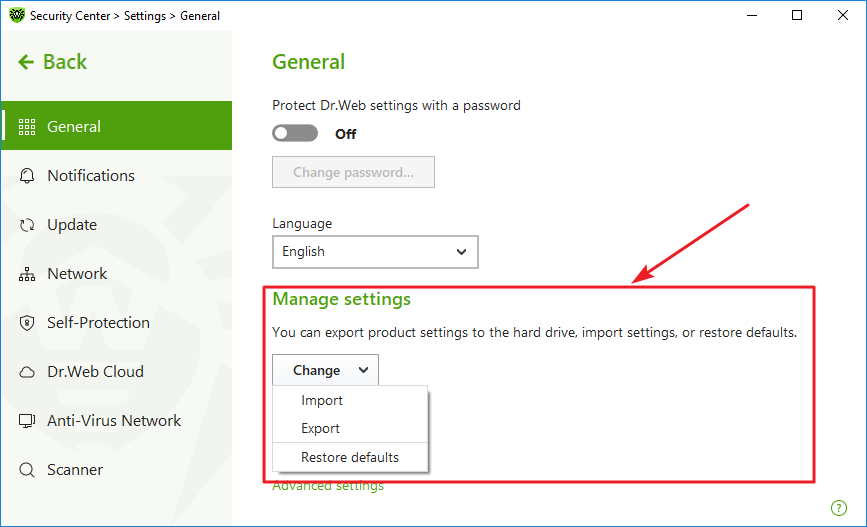
Figure 23. Managing settings
•Restore defaults to restore default settings.
•Import, if you want to use settings of the anti-virus that you already configured on another computer.
•Export, if you want to use your settings on other computers. Then, use the import feature on another computer.