Dr.Web Firewall monitors connection attempts and filters connections both on network and application levels.
Firewall provides you with the following features:
•Control and filtration of all incoming and outgoing traffic
•Access control on the application level
•Filtration of packets on the network level
•Fast selection of rule sets
•Event logging
To enable or disable Firewall
1.Open Dr.Web menu  , then select Security Center.
2.In the open window, click Files and Network tile.
3.Enable or disable Firewall by using the switcher  .
.
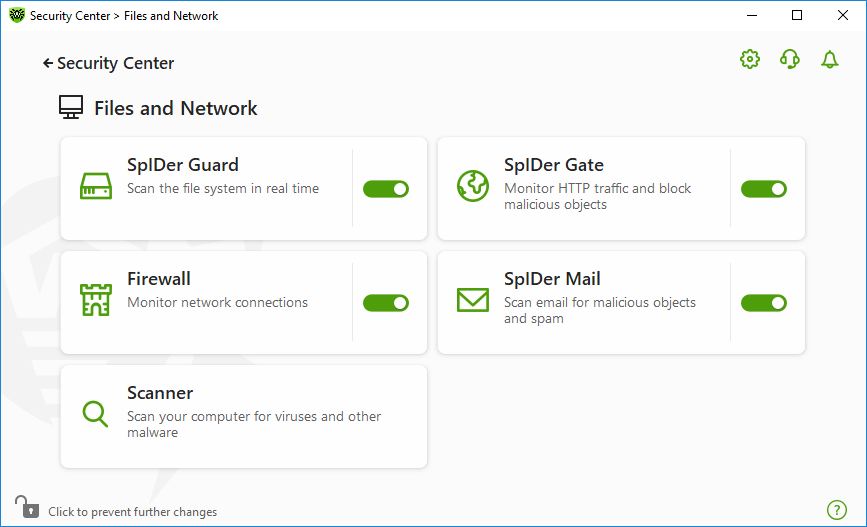
Figure 50. Enabling/Disabling Firewall
In this section:
•Configuring parameters for application rules