This section describes main features of Dr.Web and provides step-by-step procedures for configuring protection of your device.
To open the settings screen (see Figure 3), on the main screen open the application menu and select Settings.
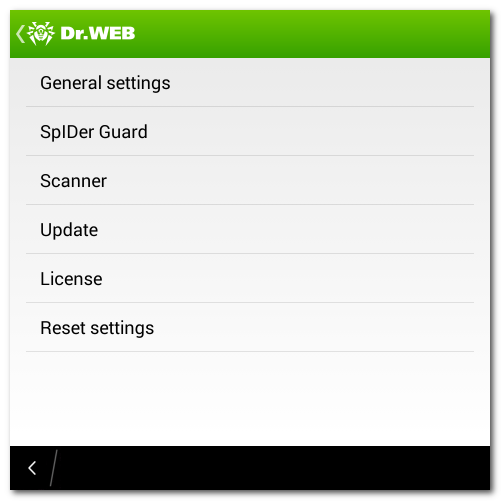
Figure 3. Application settings
Reset settings
You can reset the user settings of the application at any time and restore the standard settings. To do this:
| 1. | Tap Reset settings on the settings screen (see Figure 3). On the opened screen, tap Restore default settings item. |
| 2. | Confirm the return to the default settings. |