You can download a command sequence (a script) shown in the command area on the FixIt! tool panel as a CFG file and send it to a user as an alternative to sending a tool. For instance, if you previously sent Dr.Web FixIt! Tool to the user and now want to scan the computer again, adding new commands to the tool (i.e. curing commands).
To send a script to a user
1.Open the task page.
2.Open a report from the list.
3.At the left, select FixIt! tool.
4.On the FixIt! tool panel, enter the commands you need to add to the script.
5.Click Download script.
Once Dr.Web FixIt! Tool has been created, the following window appears. There you can choose how to deliver the tool to a user of a scanned computer.
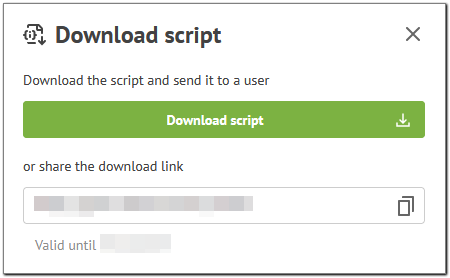
Figure 13. The Download script window
•If you want to download the script and send it to a user of a scanned computer, click Download script and then send the downloaded file.
•If you want a user of a scanned computer to download the script, copy the link by clicking the  icon and send it to the user.