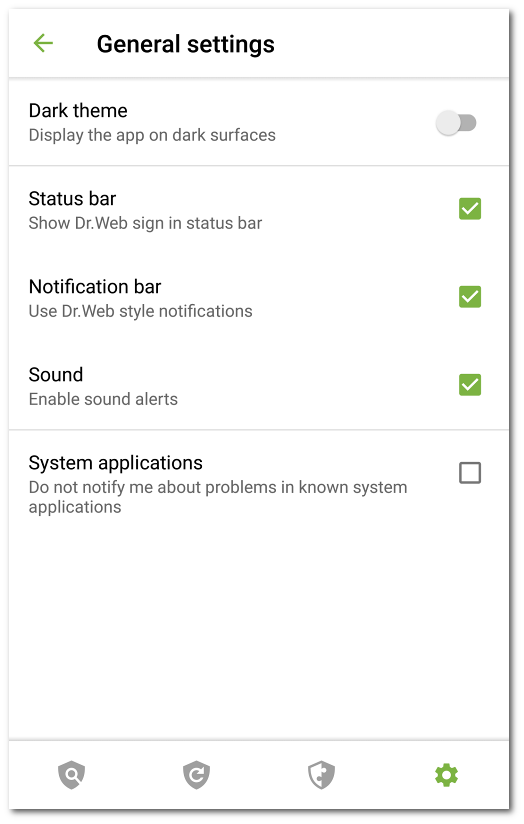
Figure 14: General Settings
On the General Settings screen, you can use the following options:
•Dark theme. Allows you to set the dark mode of the application.
•Status bar enables and disables Dr.Web sign in the Android status bar. Using this option you can also remove Dr.Web bar from the notification area (see Notifications section).
|
The setting is not available on devices with Android 8.0 or later. |

•Notification bar. Allows you to manage the appearance of the Dr.Web notification bar. If the option is enabled, the Dr.Web notification bar is used. If the option is disabled, the standard Android notification bar is used.
•Sound. Allows you to enable or disable sound alerts on threat detection, deletion or moving to quarantine. By default, sound alerts are enabled.
•System applications. Allows you to enable or disable notifications on threats in system applications that cannot be safely deleted. This option is disabled by default.