On the License screen you can buy a license, restore it, or get a demo license.
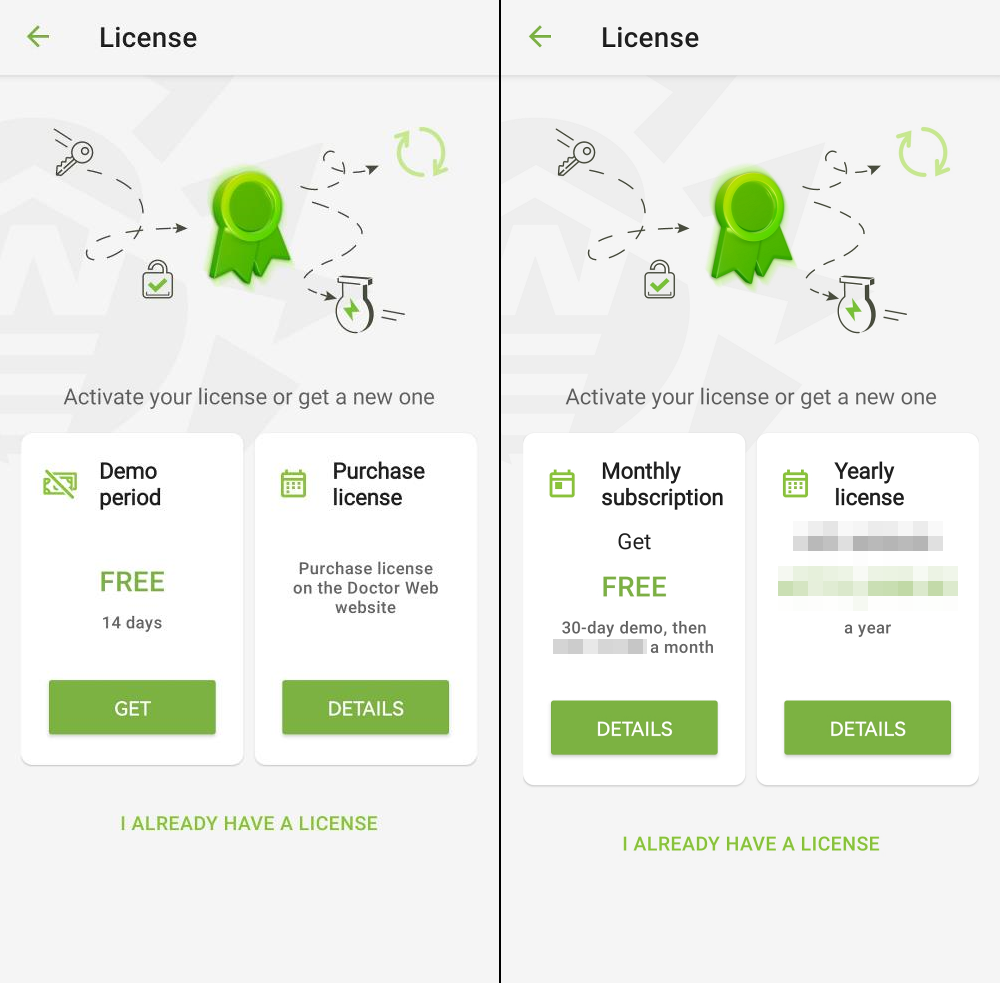
Figure 6: License screen on the first app launch for version from the site, and HUAWEI AppGallery (left) and for version from Google Play (right)
License screen opens automatically on the first launch of the application once you create and confirm your family manager account.
|
If you Google profile is bound to a card issued on the territory of the Russian Federation or the Republic of Belarus, the app displays license screen for the version from the website. |

If you already have a license, on the License screen you can view the license serial number, license user name, info on license status as well as license activation and expiration dates. You can open this screen by selecting License in the application Menu  .
.
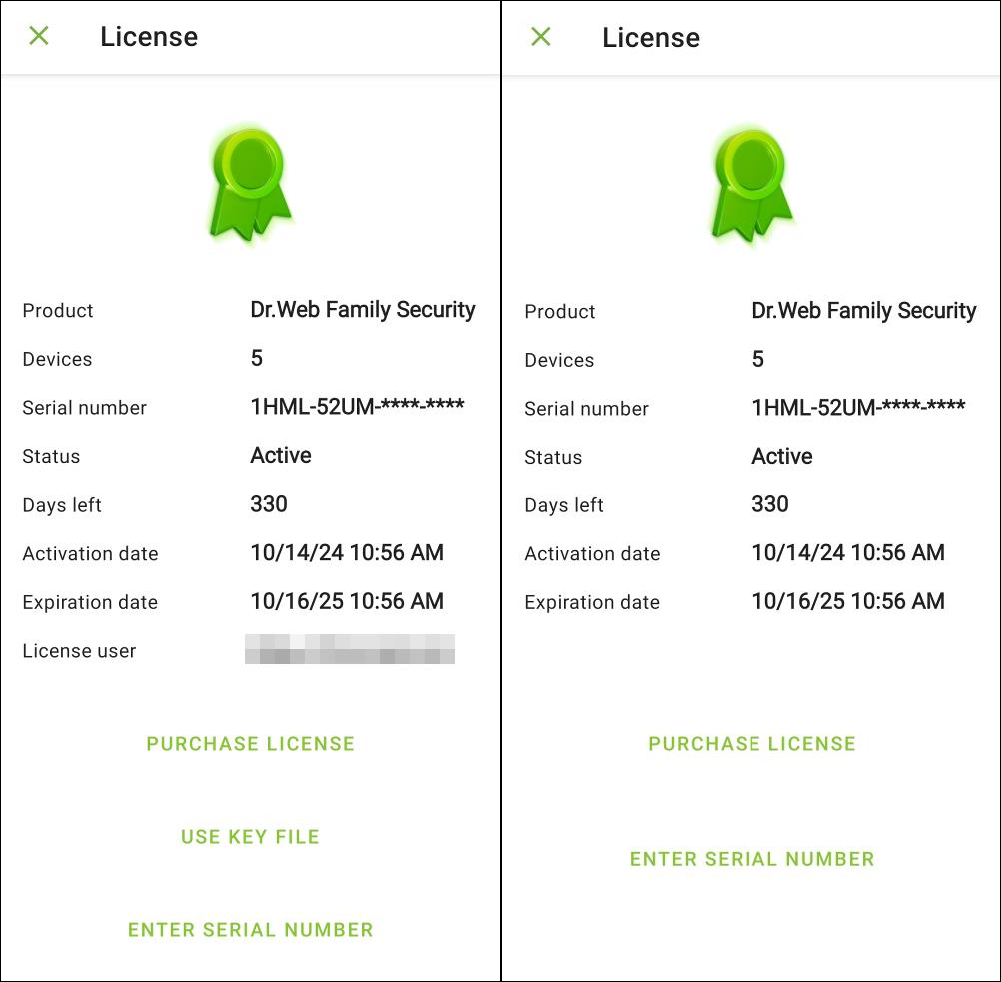
Figure 7: License screen when you already have a license for version from the site, and HUAWEI AppGallery (left) and for version from Google Play (right)